The call
Know who's calling
before you say hello.
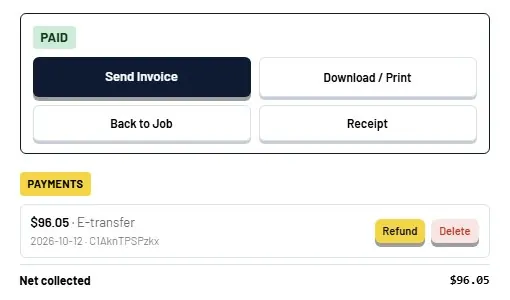
The phone rings and Servorio shows the customer, their address, past visits and anything still open. Your dispatcher answers like they already know them, because they do. L.I.S.A listens and gets the booking ready.
- Caller matched to the customer
- Past jobs, notes and open invoices on one screen
- Or paste a text, WhatsApp or email and AI fills in the job
The booking
The right tech,
in a few taps.
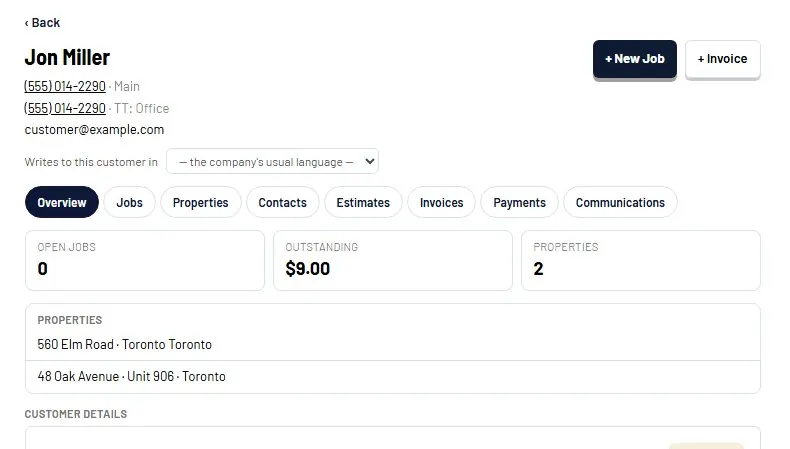
See every tech's day on one board. Pick the slot, assign the tech with the right skills and the right parts on the van, and drag the card when plans change.
- Drag and drop dispatch board
- Reassign or reschedule in one move
- The tech sees the job on their phone
On site
Your tech talks.
No typing on a phone.
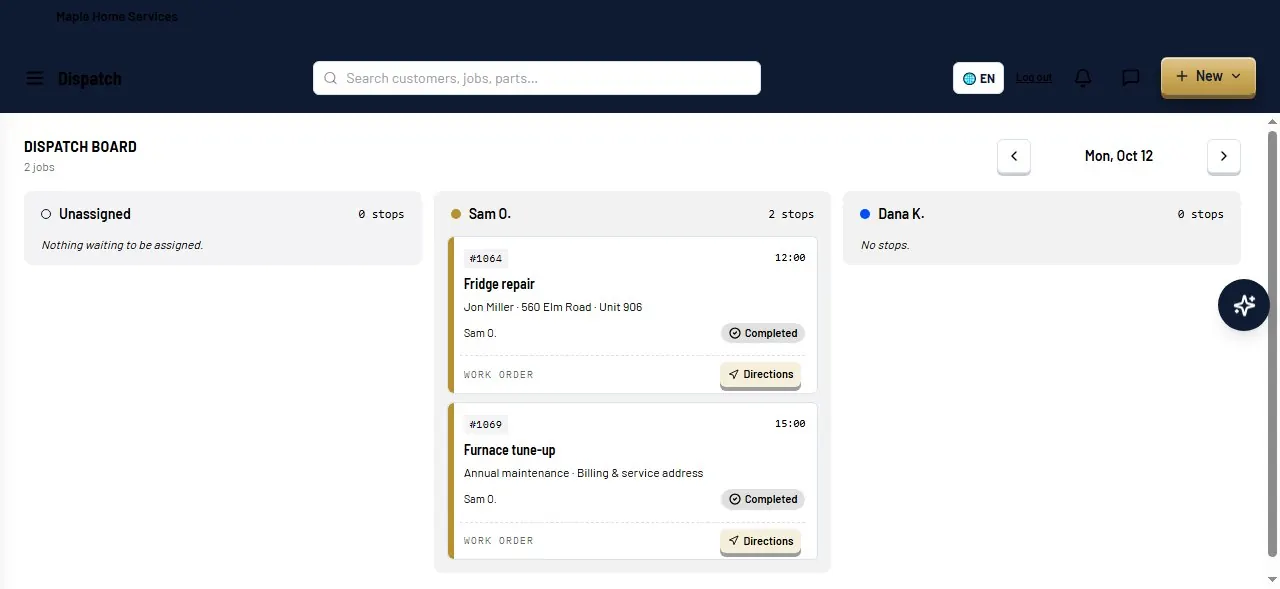
The job opens with the history and notes. When the work is done, the tech taps the mic and says what they did in plain words.
- Job history, notes and photos in the field
- Take photos on the job and send them to the customer later
- Voice dictation on any job
- Part finder by description or model number
The invoice
AI writes it.
The van stock updates itself.
Servorio turns the tech's words into a clear, professional invoice, adds the parts and takes them off the van's stock. Show one total, or parts and labour separately.
- AI-written invoice descriptions
- Parts deducted from the van automatically
- Minimum sell price protects your margin
- Customer signs on the screen

Paid
Get paid
before you leave the driveway.
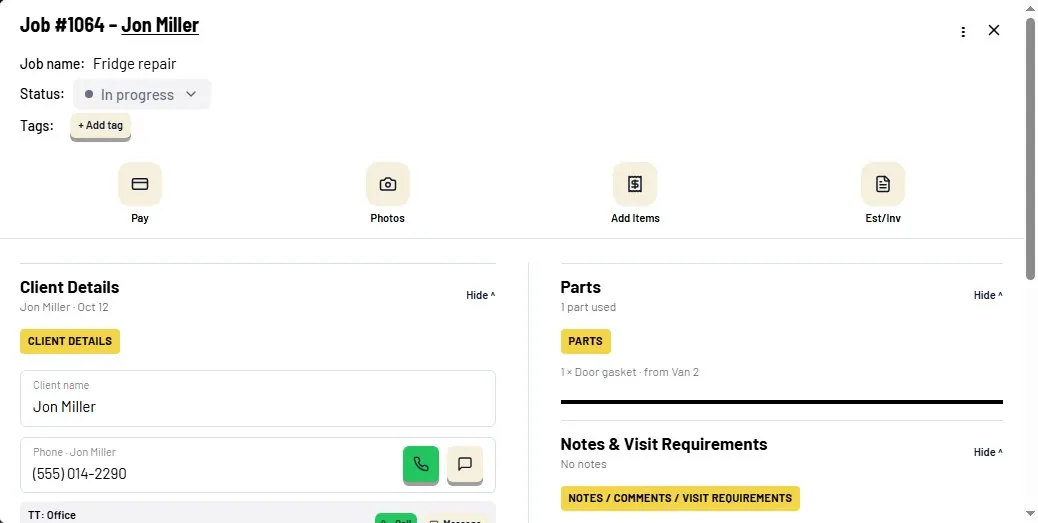
The customer gets the invoice by text or email and pays from their phone. If they forget, reminders go out on their own. The payment lands in your reports.
- Text and email invoices
- Pay by card from the phone
- Automatic payment reminders